Platform
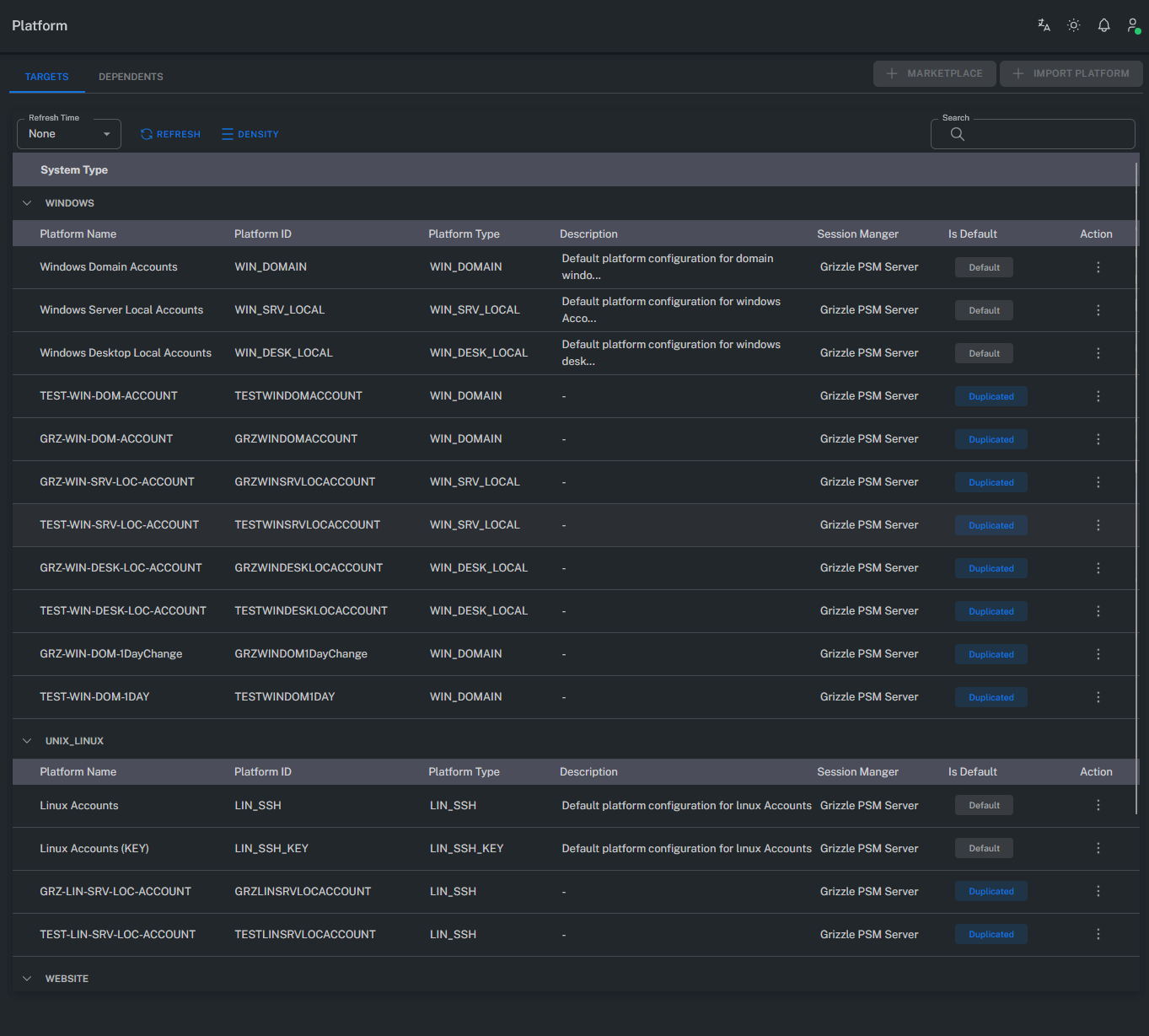
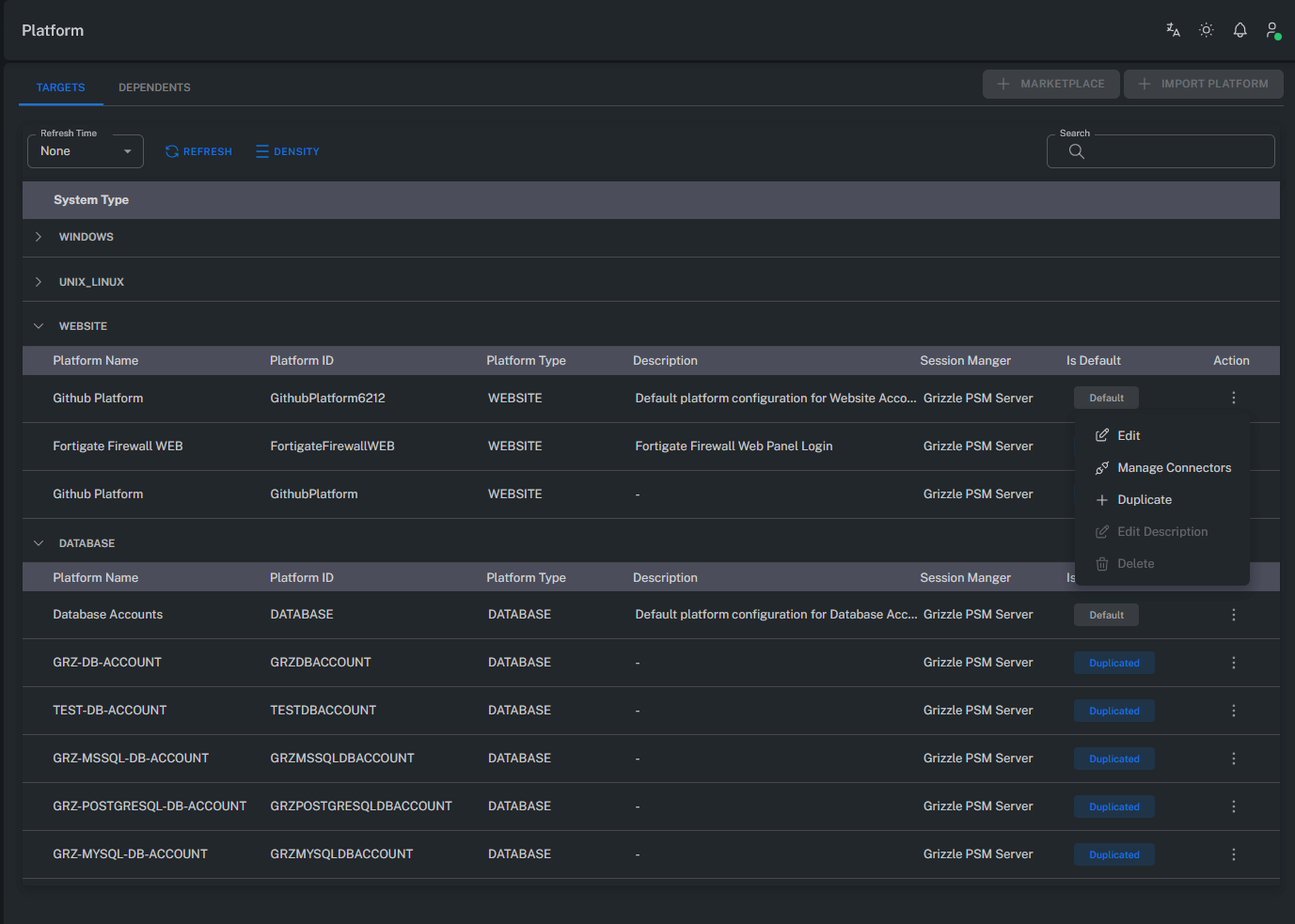
Platforms are dynamic structures that can be copied, customized, and modified.
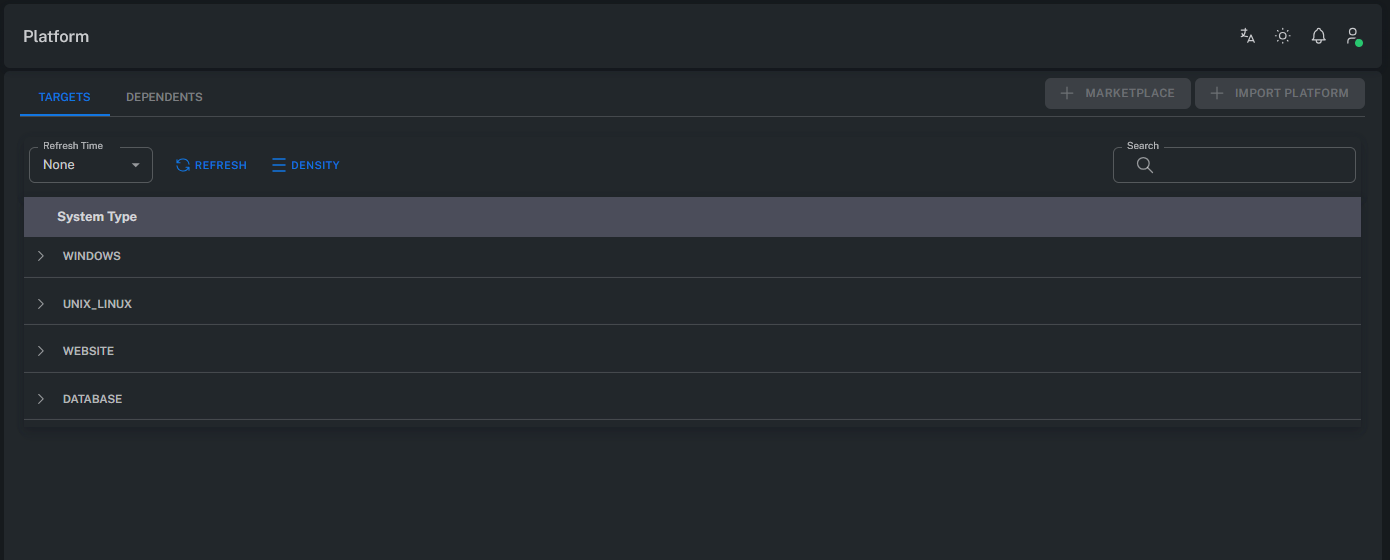
Each platform includes different connection parameters depending on the target system type (Windows, Unix/Linux, Database, Network Device, etc.).
Platforms define the following aspects:
- Target system connection type (RDP, SSH, Web, SQL, etc.)
- Connection protocol settings
- Session recording and security policies
- Password change and verification methods
General Information
When selecting Edit from the Platform menu, general information related to the chosen platform is displayed in this tab.
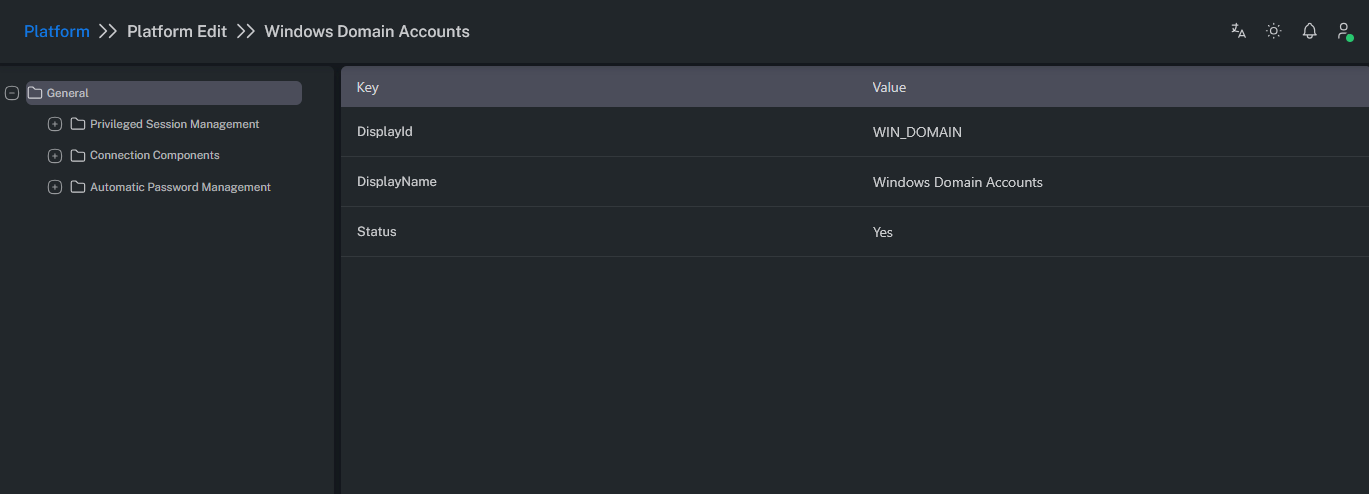
This section includes:
- Platform name
- Platform type (e.g., Windows Local, Unix SSH, MSSQL Account)
- Connection protocol
- Status (active/inactive)
- Last update information
Purpose
- Manage platform connection configurations
- Define the foundation for password management, connection, and recording policies
- Serve as a template when creating new platforms
Each platform plays a critical role in configuring Account Discovery, Automatic Password Management, and Session Recording processes within the system.
Summary
The Platform tab provides an overview of each platform’s identifying details and general connection settings.
This structure enables administrators to define and easily manage distinct platform policies for different system types.