Connection Component
Connection Components are configuration packages that define the protocol and connection settings used to enable secure and controlled access to different systems such as RDP, SSH, Telnet, and SQL.
This section determines which protocol will be used, which application will launch the connection (e.g., mstsc.exe, putty.exe, plink, WinSCP), which arguments and parameters will be applied.
It allows creating custom Connection Components for any specific application or connection scenario — for example, custom ports, third-party tools, or script-based login processes.
New components can be added, or existing ones can be duplicated and modified as needed.
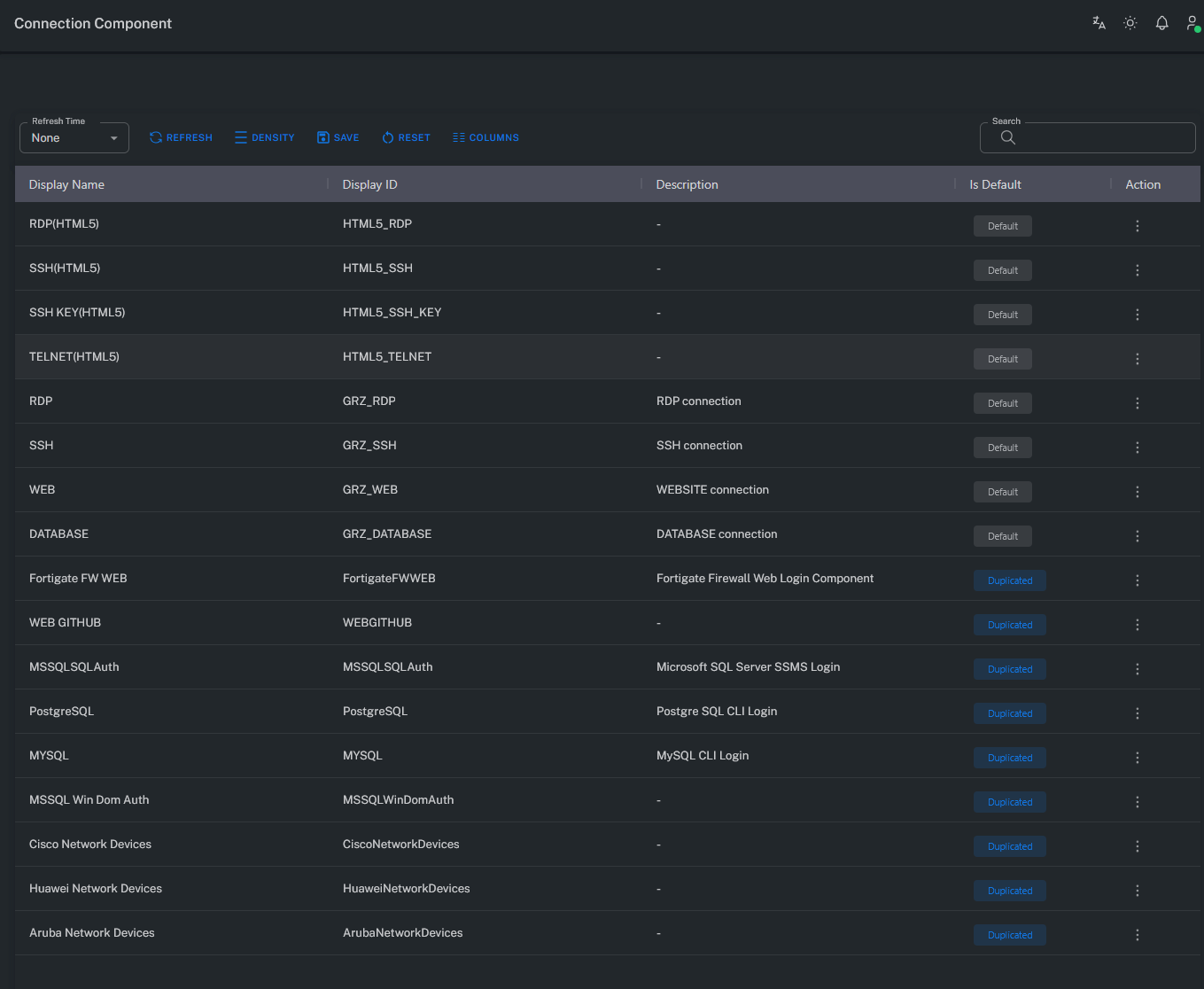
Note: For connecting to systems not listed, please contact the Grizzle Technology team for custom component support.
Component Parameters
General
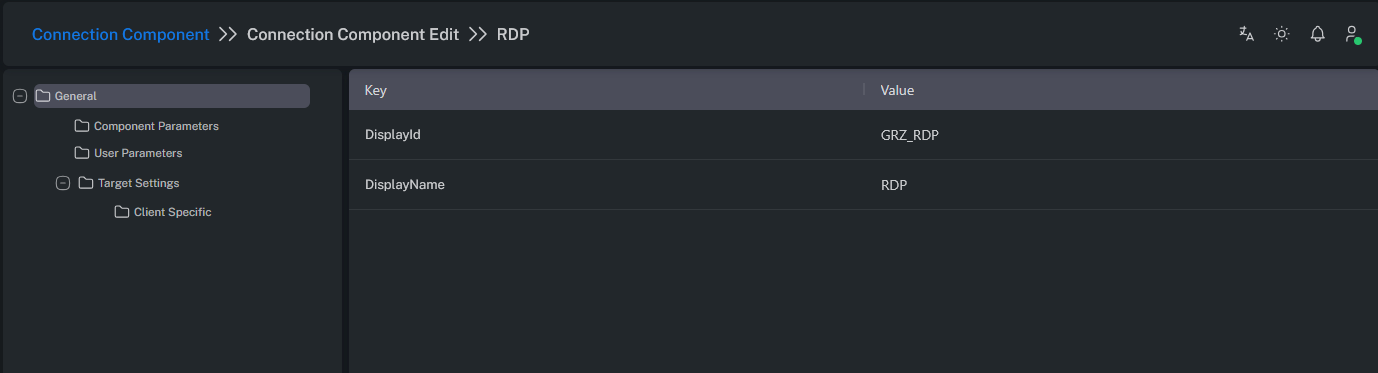
DisplayId: Specifies the unique identifier of the component.
DisplayName: Specifies the display name of the component.
Component Parameters
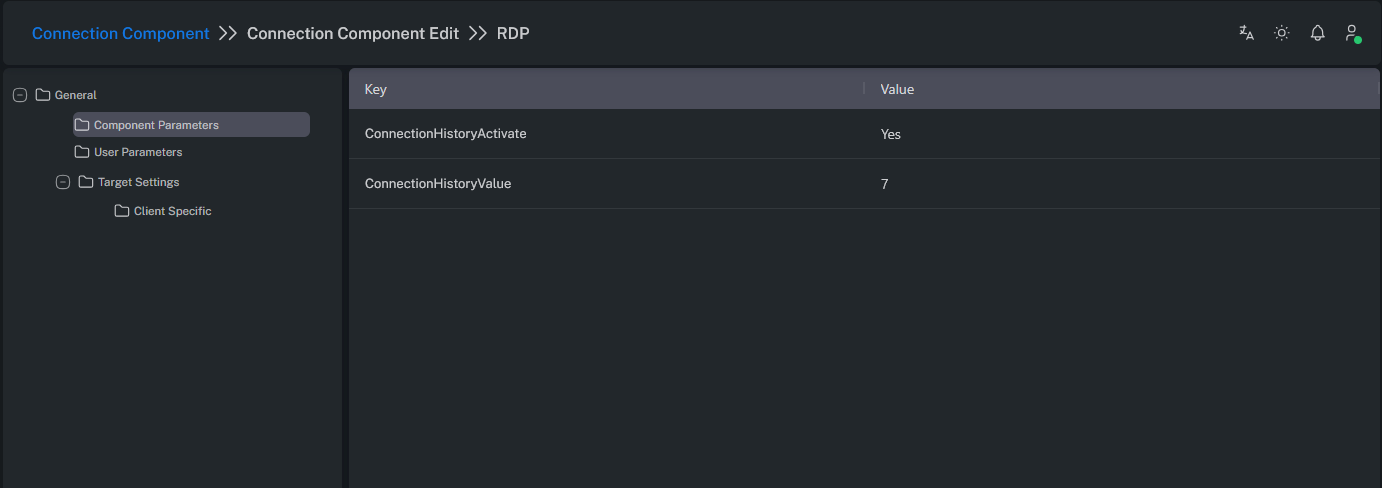
ConnectionHistoryActivate: Enables saving recent connection history for quick access.
When active, the pop-up window displayed after clicking Connect on the Account View screen will show the list of previously made connections.
ConnectionHistoryValue: Defines the maximum number of recent connections to retain.
Determines how many previous connections will be listed in the pop-up window after clicking Connect on the Account View screen.
User Parameters
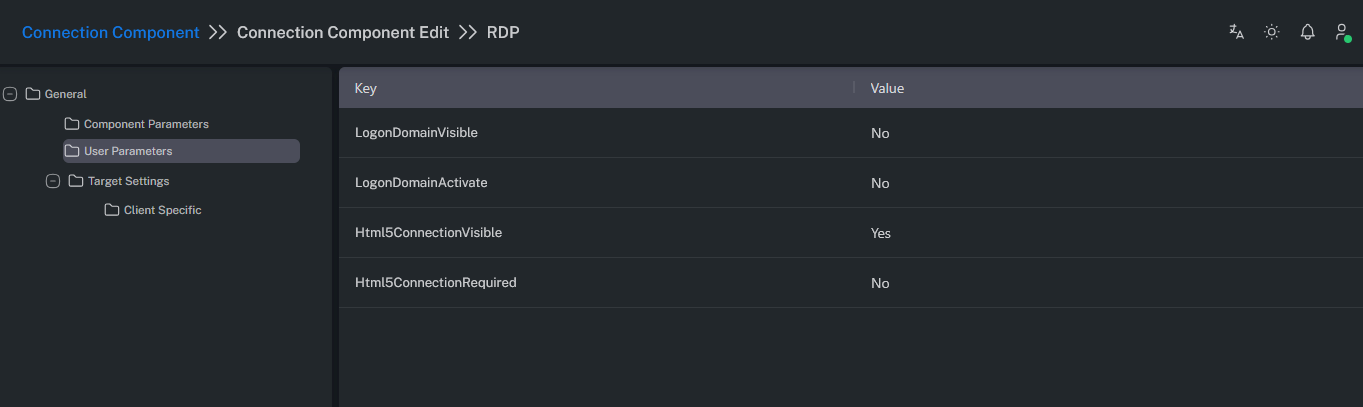
LogonDomainVisible: Allows the “LogonTo” information to be displayed in the pop-up window after clicking Connect on the Account View screen.
LogonDomainActivate: Allows the user to manually enter the “LogonTo” information in the same pop-up window.
Target Settings
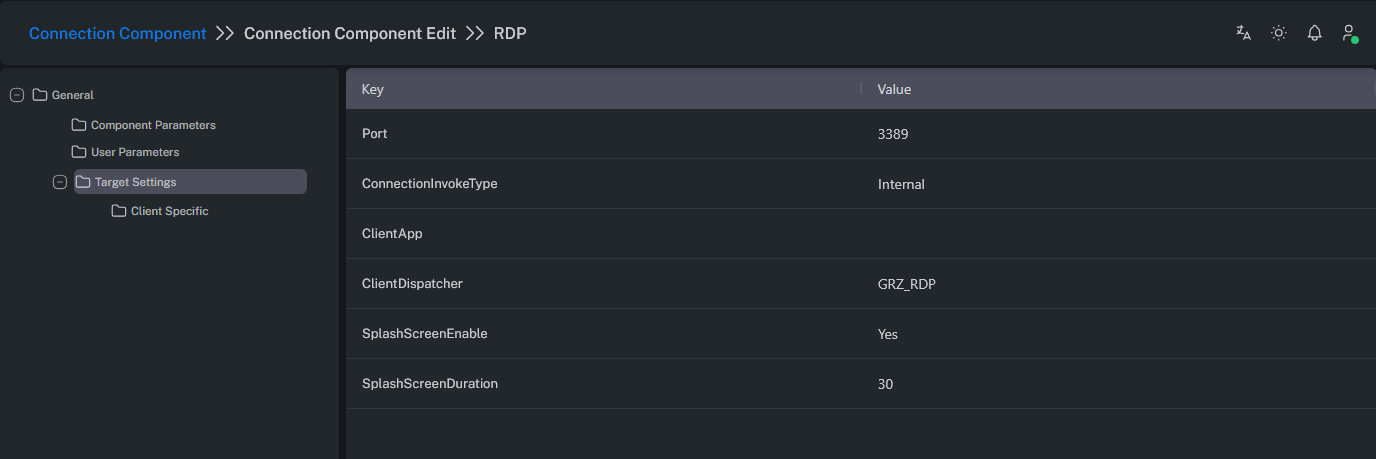
| Parameter Name | Description |
|---|---|
| Port | Specifies the port number used to connect to the target system. |
| ConnectionInvokeType | Defines how the client application is invoked (Internal, Command Line, WebForm, Without RDS). Internal: Uses applications developed by Grizzle Technology. CommandLine: Uses custom user-defined command executions. |
| ClientApp | Name or path of the local client executable. |
| ClientDispatcher | Internal dispatcher identifier used to route the connection. |
| SplashScreenEnable | Prevents the user from interacting with automatic operations during connection initialization. It should only be disabled for debugging purposes. |
| SplashScreenDuration | Duration of the splash screen in seconds. |
| PreventRepatingCharacterActive | Specifies whether repeated characters are allowed in the password. |
Client Specific
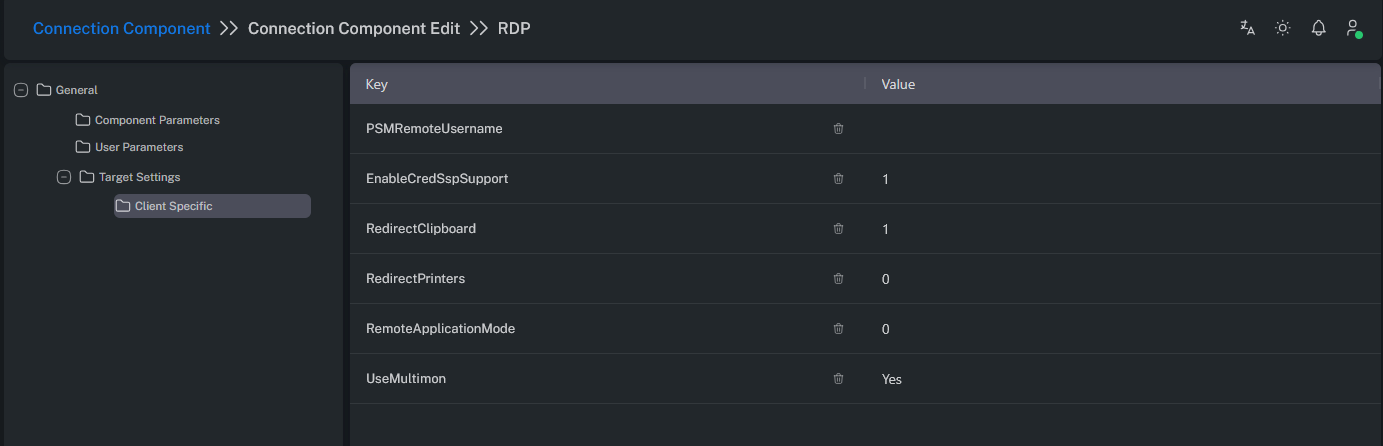
The following settings apply to connections made through the Privileged Session Manager (PSM).
| Parameter Name | Description |
|---|---|
| PSMRemoteUsername | Used during PSM connections. Allows replacing the domain suffix “.local” with “.com” when authenticating. Example: If your AD account is grizzle.testuser@test.local but your login should use your email format grizzle.testuser@grizzle.com, this parameter ensures proper username transformation during session start. |
| EnableCredSspSupport | Enables CredSSP support mode (0=disabled, 1=client, 2=server). |
| RedirectClipboard | Enables clipboard redirection (Copy/Paste) to the target system (0=off, 1=on). |
| RedirectPrinters | Enables printer redirection to the target system (0=off, 1=on). |
| RemoteApplicationMode | Defines remote application mode (0=full desktop, 1=application only). |
| UseMultimon | Enables multi-monitor support. The user can select the desired number of screens in the pop-up window after clicking Connect in the Account View screen. |