View Detail
This page displays the general information and detailed properties of an account.
The visibility of these details is determined by the Safe and Platform level permissions assigned to the user.
Overview
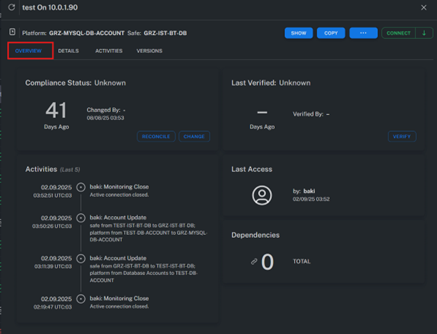
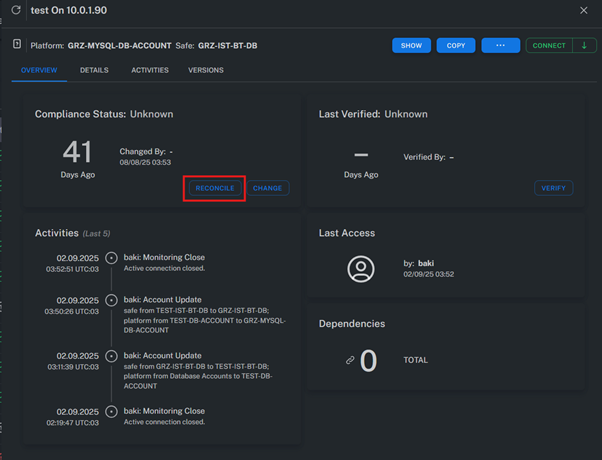
Manual Reconcile
Manual Reconcile allows password changes to be performed using another authorized account.
This process involves connecting to the target account through a privileged account and changing its password.
Note:
Manual Reconcile can be configured at both the Account and Platform levels.
The configuration priority is as follows:
- Platform level: Applies globally to all accounts under the platform.
- Account level: Applies only to the specific account.
- If defined in both levels, the Account-level configuration takes precedence.
Configuration Paths:
- Account level:
Account View > View Detail > Details > Linked Account > Reconcile Account - Platform level:
Policies and Platform > Platform > Automatic Password Management > Password Reconcile > Reconcile Account Name
Examples:
- Changing the password of a local account using the privileges of the Local Administrator account.
- Using a domain-level privileged account to remotely change the password of another domain or local account.
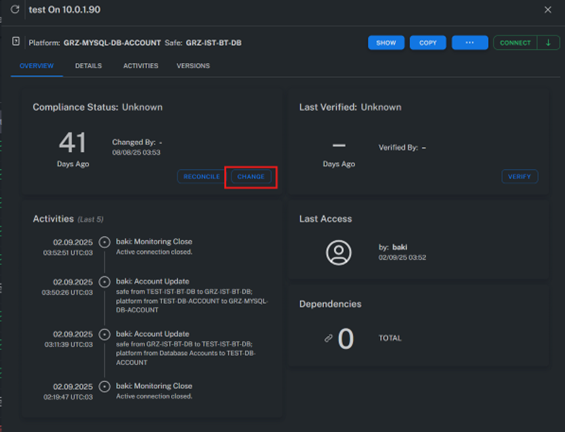
Manual Change
Manual Change performs a password update using the account’s own credentials.
To execute this operation successfully, the account must have password reset privileges on the target system.
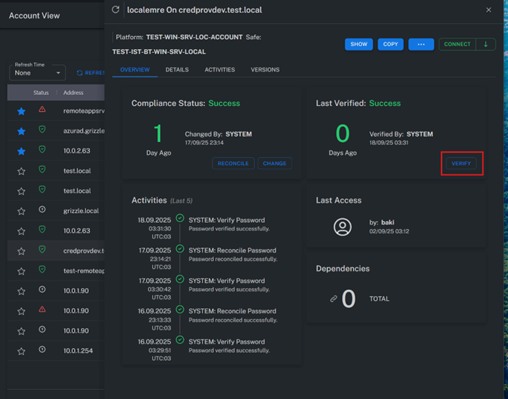
Manual Verify
Manual Verify checks the validity of the password stored in the Vault.
During this operation, the system connects to the target host and verifies whether the stored password is still correct.
Detail
Displays detailed account information.
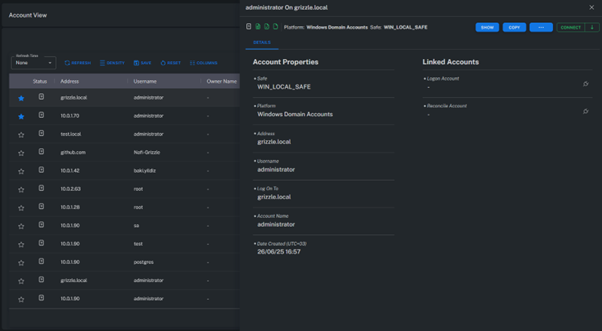
Linked Account
When connecting to a target system, the session first logs in using a Logon Account before switching to the main account.
This process can be automated with scripts defined under
Connection Component > LogonAccountStartupScript.
Example Scenario:
If direct login with the “root” account is restricted on a Linux system, the session first authenticates using user “x”.
A predefined script then runs automatically to either continue as “x” or escalate to root.
Reconcile Account
A Reconcile Account is a privileged account used to reset or change the password of another account.
This account must have sufficient rights to modify other users’ passwords.
Example:
On a Windows Server, the password for user “y” cannot be changed using its own credentials.
In this case, a privileged account such as “Administrator” or another account with Account Management privileges is used to perform the change.
Note:
This restriction can be bypassed via the GPO setting TokenFilterPolicy,
but doing so is not recommended for security reasons.
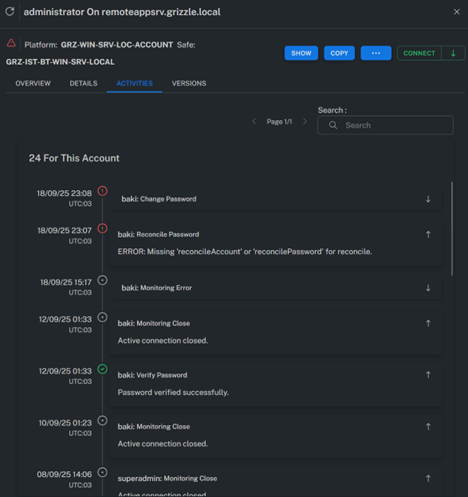
Activities
Lists all actions performed on the account.
For each activity, the operation type, timestamp, result, and responsible user information are displayed in detail.
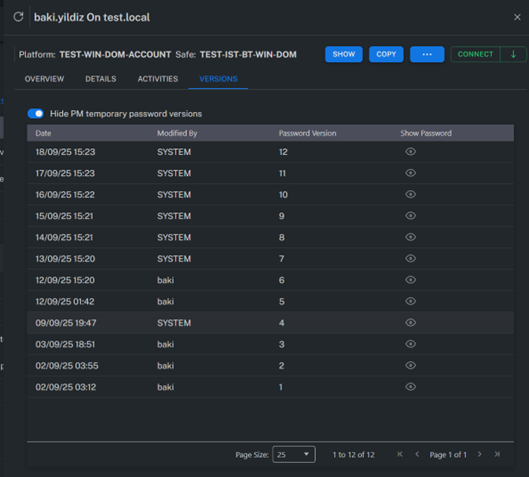
Versions
Displays the historical password versions associated with the account.
Every password change is logged, and past versions can be reviewed when necessary.
Summary
The View Detail page provides insight into an account’s technical information, activity history, and password change history.
It also allows administrators to perform Manual Change, Manual Verify, and Manual Reconcile operations for full control over password management.