Onboarding Rules
Onboarding Rules allow automatically discovered accounts to be added to the Vault after a discovery task is completed.
This enables administrators to automate the inclusion of discovered accounts into the system without requiring manual approval.
Accounts are added to the Vault without passwords.
After registration, the reconcile, change, and verify operations are automatically configured at the platform level based on the platform type.
During rule creation, administrators define which Safe will be associated with which Platform.
Multiple rules can be defined; in case of priority conflicts, the rule with the lower priority value takes precedence.
To automatically store discovered accounts in a Safe, an Onboarding Rule must be defined.
Create Onboarding Rule
Used to create a new onboarding rule.
The rule determines the properties and destinations of accounts that will be automatically added after discovery.
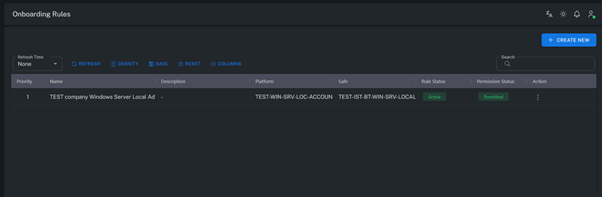
Select System Type
Specifies the type of system that was discovered.
For example, different onboarding policies can be applied for Windows and Unix/Linux systems.
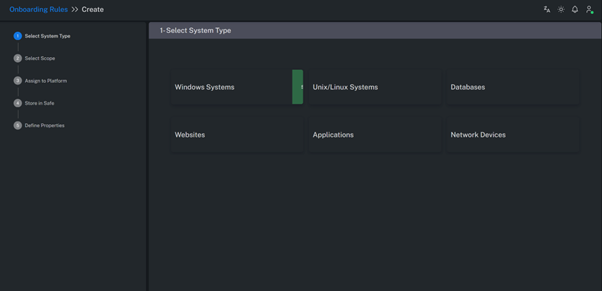
Select Scope
Used to define the scope and filtering criteria of the discovery process.
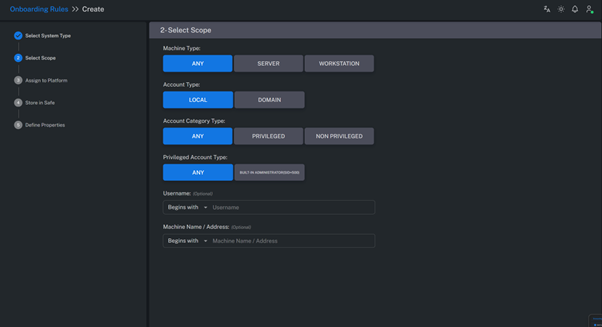
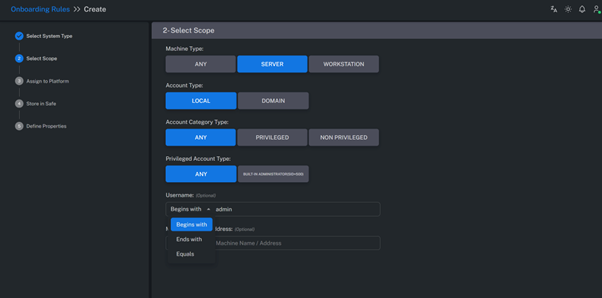
Machine Type
Filters discovered Windows accounts based on the operating system name.
- If the OS name contains “Server” or “SRV” → it is marked as Server.
- If it contains “Windows 7”, “Windows 10”, “Windows 11”, etc. → it is marked as Workstation.
Account Type
Filters accounts based on their type — for example, Local, Domain, Service, or Application accounts.
Account Category Type
Filters discovered accounts based on their privilege level.
-
For Windows systems:
If the account belongs to the “Administrators” or “Power Users” group, it is considered Privileged. -
For Unix/Linux systems:
If the account belongs to the “sudo” or “root” group, or appears in the sudoers file, it is classified as Privileged.
Privileged Account Type
Filters discovered Windows local accounts based on their SID information.
For example, specific rules can be created for built-in Administrator accounts.
Username
Filters accounts based on a username pattern.
- Begin With: The username starts with the specified value.
- End With: The username ends with the specified value.
- Equals: The username exactly matches the specified value.
Machine Name / Address
Filters based on system name or IP address.
- Begin With: The IP or hostname starts with the specified value.
- End With: The IP or hostname ends with the specified value.
- Equals: The IP or hostname exactly matches the specified value.
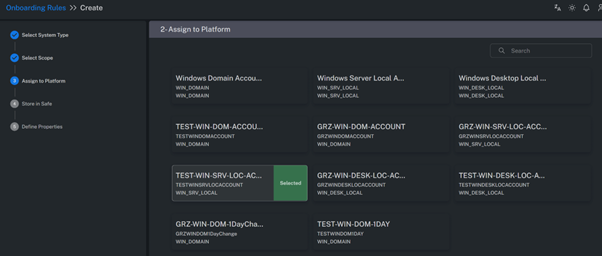
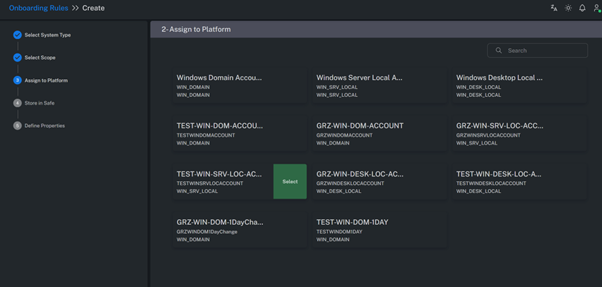
Assign To Platform
Specifies which Platform the discovered accounts will be associated with in the onboarding rule.
This determines the password management and connection methods to be used for those accounts.
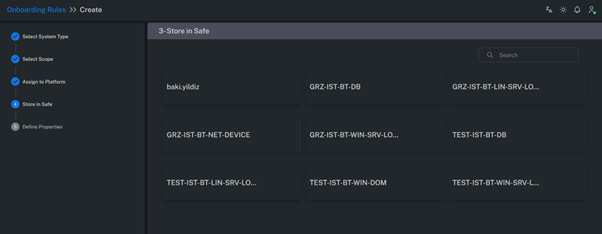
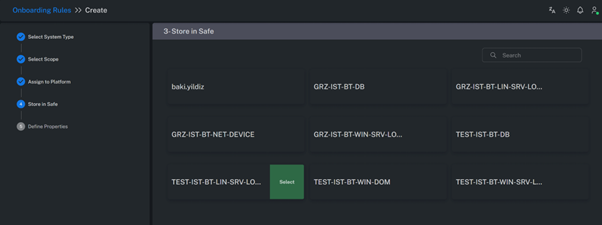
Store in Safe
Selects the Safe where the newly onboarded accounts will be stored.
This defines the location of the accounts within the Vault after the onboarding process is completed.
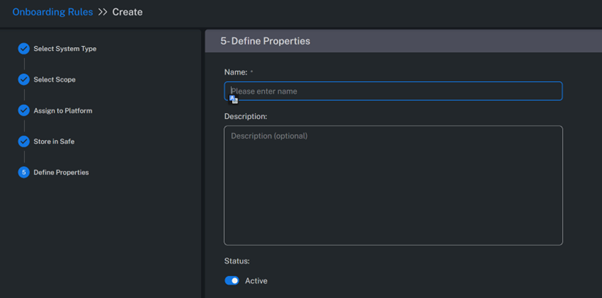
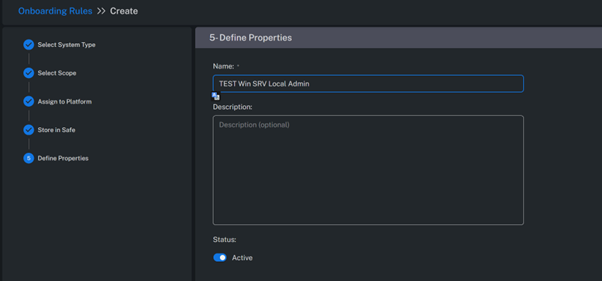
Define Properties
Defines the Rule Name and configures its Status (active/inactive).
The rule description and priority level can also be specified here.
Example Rule
In the following example, local accounts with names starting with “Admin” and system type marked as “Server” are automatically added to the Vault.
Result
After the discovery process completes, accounts that match the Onboarding Rule criteria are automatically added to the Account View screen.
These accounts do not appear in the Pending Accounts list — they are directly stored in the Vault by the system.